Tag and Track Prospects Through the Funnel
Use Prospects to track every person you've reached out to and monitor where they stand.
Business DevelopmentHow It Works
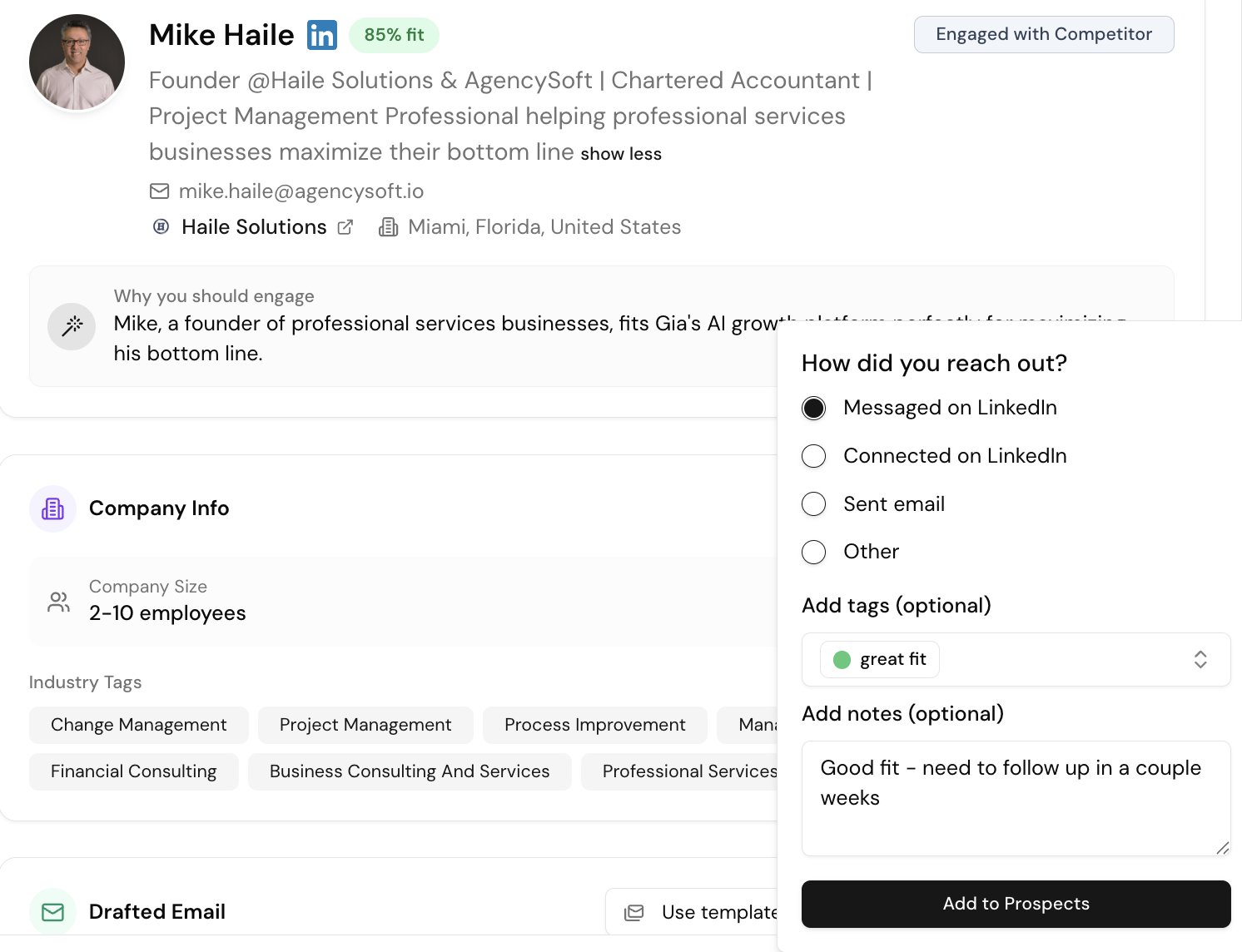
When you send outreach, Gia adds contacts to Prospects automatically (email) or via Add to Prospects (LinkedIn). Apply custom tags to track status.
Suggested Tags
| Tag | Meaning |
|---|---|
| Lead | Initial outreach done, haven't spoken yet |
| Connected | LinkedIn connection accepted |
| Demo | Agreed to a meeting |
| Offer | Demo done, proposal sent |
| Use case | What they're interested in (e.g. "content creation") |
When to move to CRM
The trigger to move from Prospects → CRM is your first real meeting (demo, consultation, intro call).