Export Lists for Outbound Automation
Export targeted prospect lists from Gia and upload them to tools like Instantly, Dripify, or HeyReach.
Business DevelopmentHow It Works
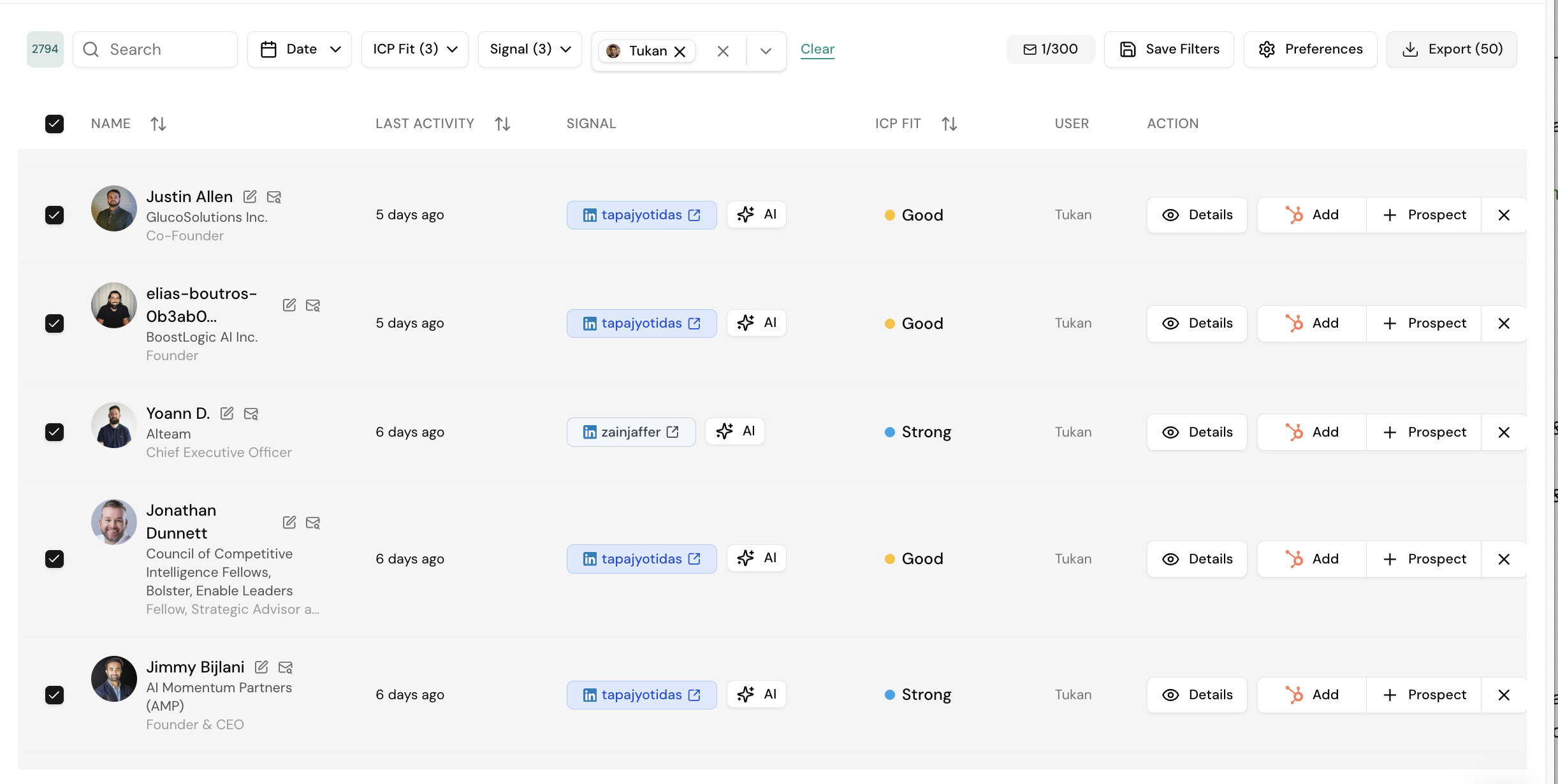
- Go to Audience → Signals and apply your filters
- Select a subset or export all results
- Click Export → CSV and name your file
- Receive the download link via email within ~2 minutes
- Upload the CSV to your automation platform
What's in the Export

Each row includes: First Name, Last Name, Email, LinkedIn Profile URL, Job Title, Company, Location, and the Signal that triggered inclusion.
Signal-Matched Sequences
| Signal | Sequence Angle |
|---|---|
| Competitor engagement | Competitive positioning, differentiation |
| Hiring for a role | "Saw your team is growing" — reference the role |
| Content engagement | Warm, value-led — they already know your name |
Performance
In split testing, signal-based lists from Gia performed 6x better (contact → demo booked) than cold lists.