Manage Client Relationships with Client OS
Client OS automatically aggregates context from calls, emails, meetings, and documents for every client.
Client ManagementEnabling Client OS
Click into a deal → click Enable Client OS → select your data sources (calls, email, Google Drive, SharePoint, etc.).
What Client OS Provides
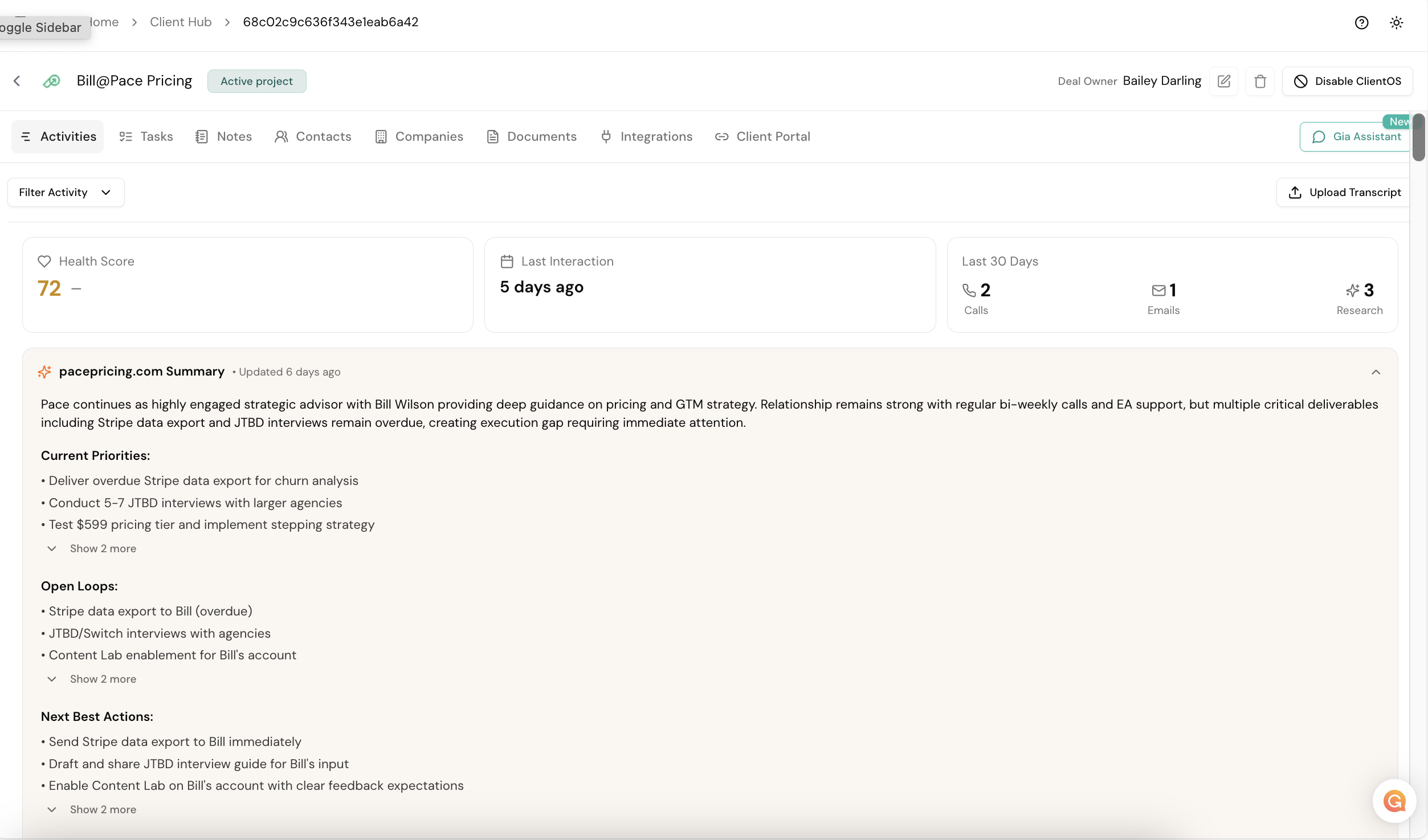
- Account Overview — current priorities, open loops, next best actions, and outstanding to-dos
- Timeline — chronological view of every interaction
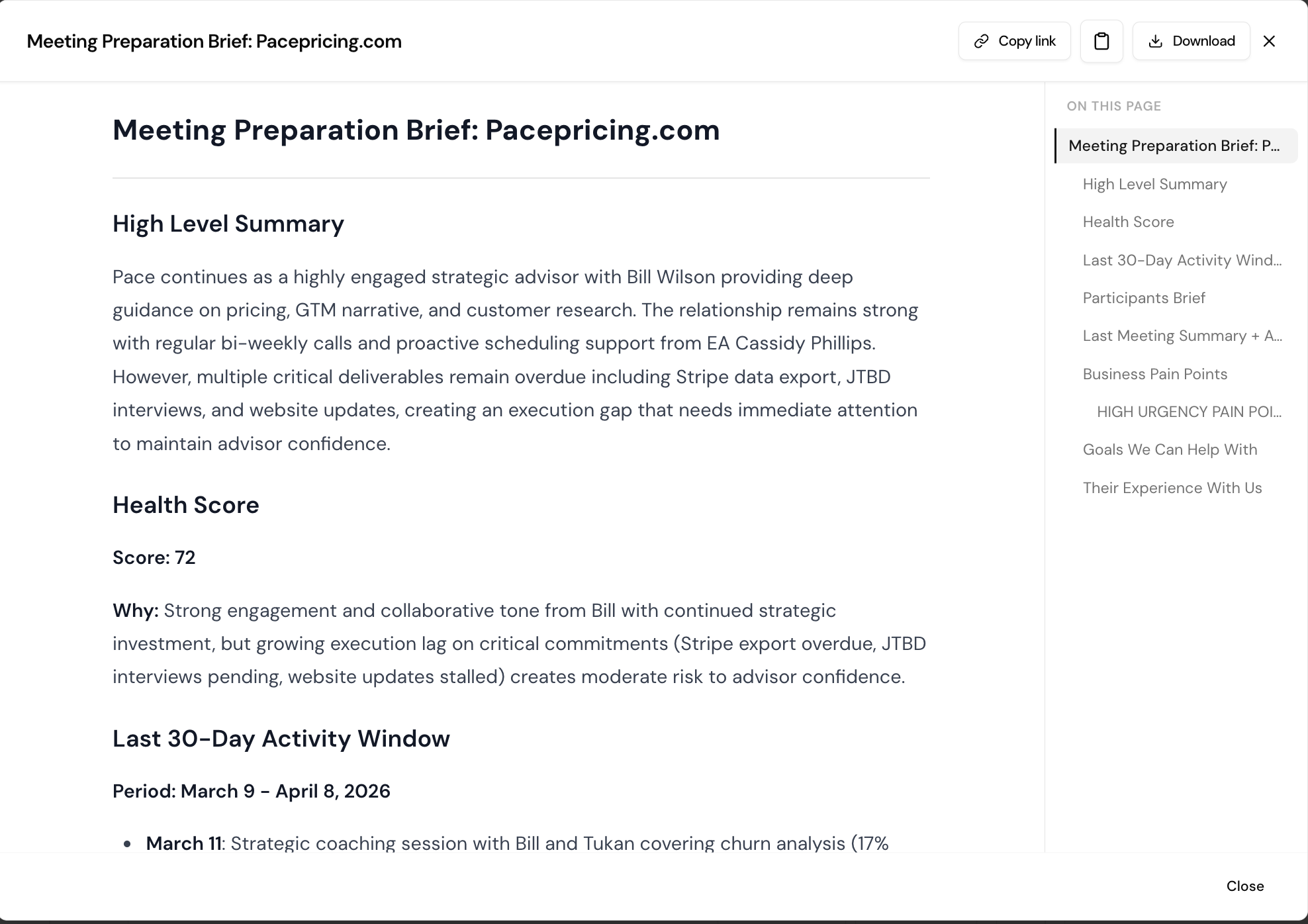
- Proactive Meeting Prep — Gia checks your calendar and prepares a one-page dossier before client calls including last meeting summary, action items, pain points, and recommended approach
- Integrations — connect Google Drive, SharePoint, or other document sources
Tip
The more data sources you connect, the smarter Client OS becomes. Review the meeting prep dossier before every call.