Set Up Client Hub (Your CRM in Gia)
Gia's built-in CRM eliminates manual data entry and creates a searchable client memory.
CRMInitial Setup
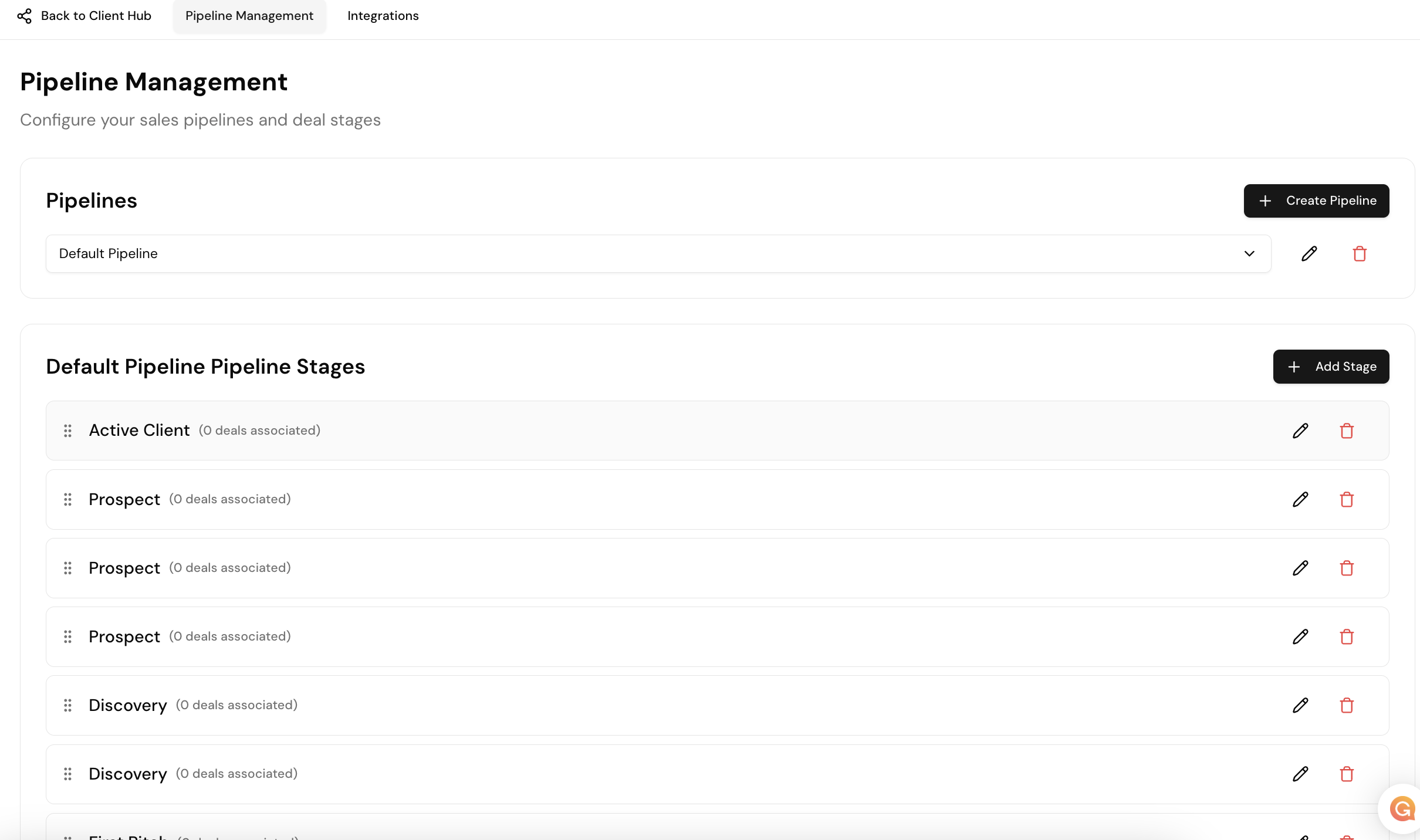
- Go to Settings and create your pipeline
- Create or edit deal stages (defaults provided)
- Optionally connect HubSpot or Pipedrive (one-click in Settings)
Adding Deals
From Signals (faster): Find the contact → click Add Deal → Gia auto-fills everything. Name the deal (e.g. "Nexus Annual") and click Create.
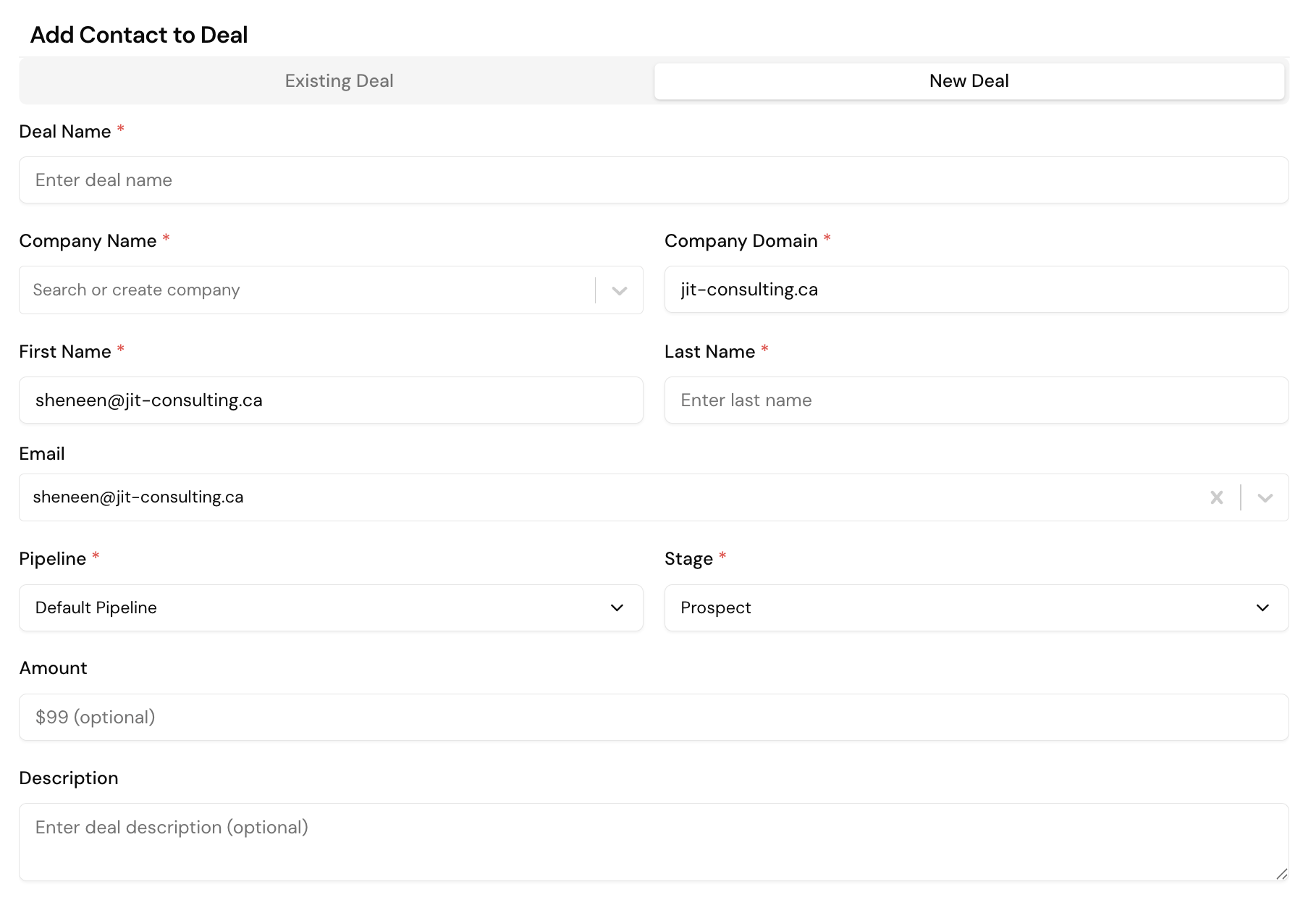
From Settings: Click Add Deal and fill in company name, domain, pipeline, and contact manually.
Naming convention
Use Company Name + Deal Type (e.g. "Nexus Annual") so you can see everything at a glance.