Research Prospects Without Leaving Gia
Dig deeper on any prospect directly inside Gia — no bouncing between tabs and tools.
Business DevelopmentHow It Works
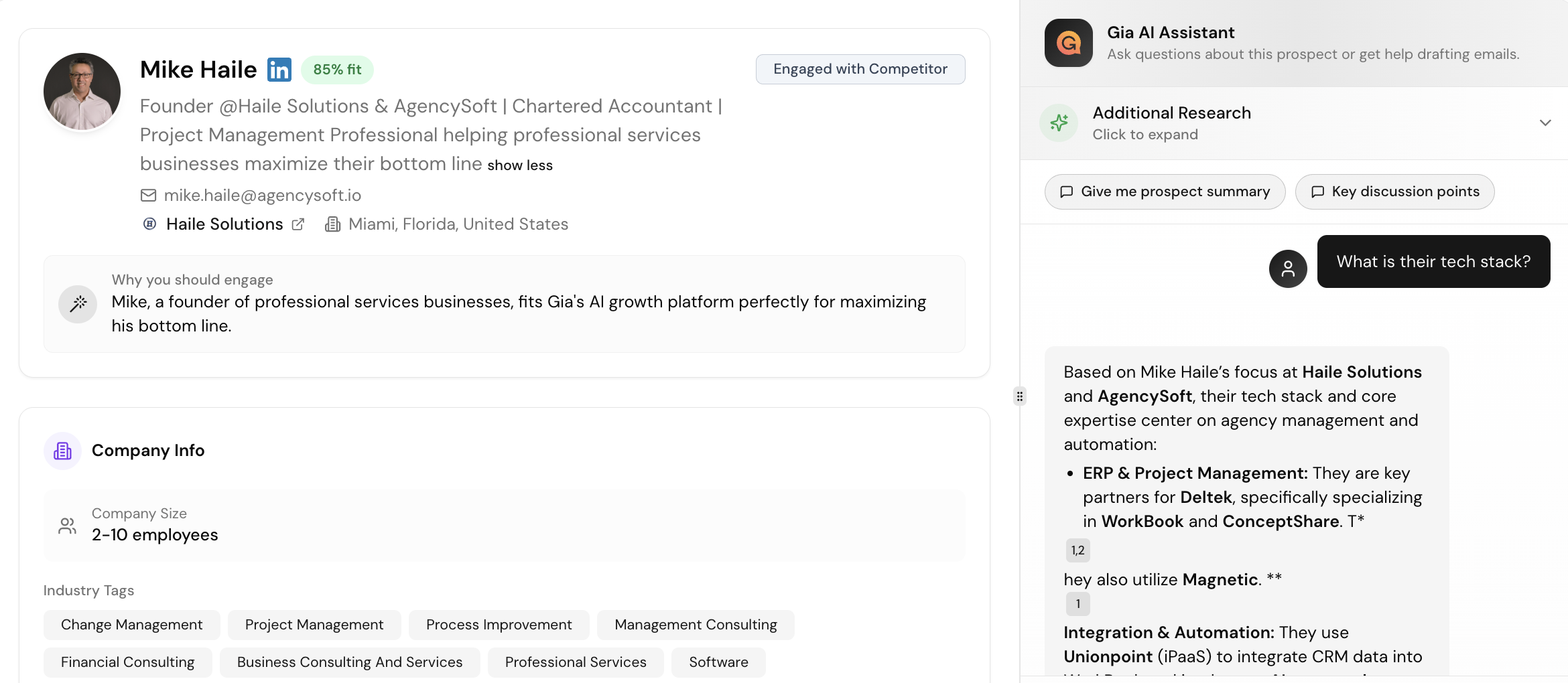
- Click into a prospect's profile from Growth Inbox or Signals
- Review Gia's auto-generated research summary
- Click through to their LinkedIn profile for more context
- Ask Gia any question directly in the chat
Example Prompts
"Give me a prospect summary"
"Have they been on any podcasts recently?"
"What's their company's main focus right now?"
Customizing Research
Adjust what Gia surfaces by going to Settings → Company Research. This controls the depth and type of intel shown for each prospect.