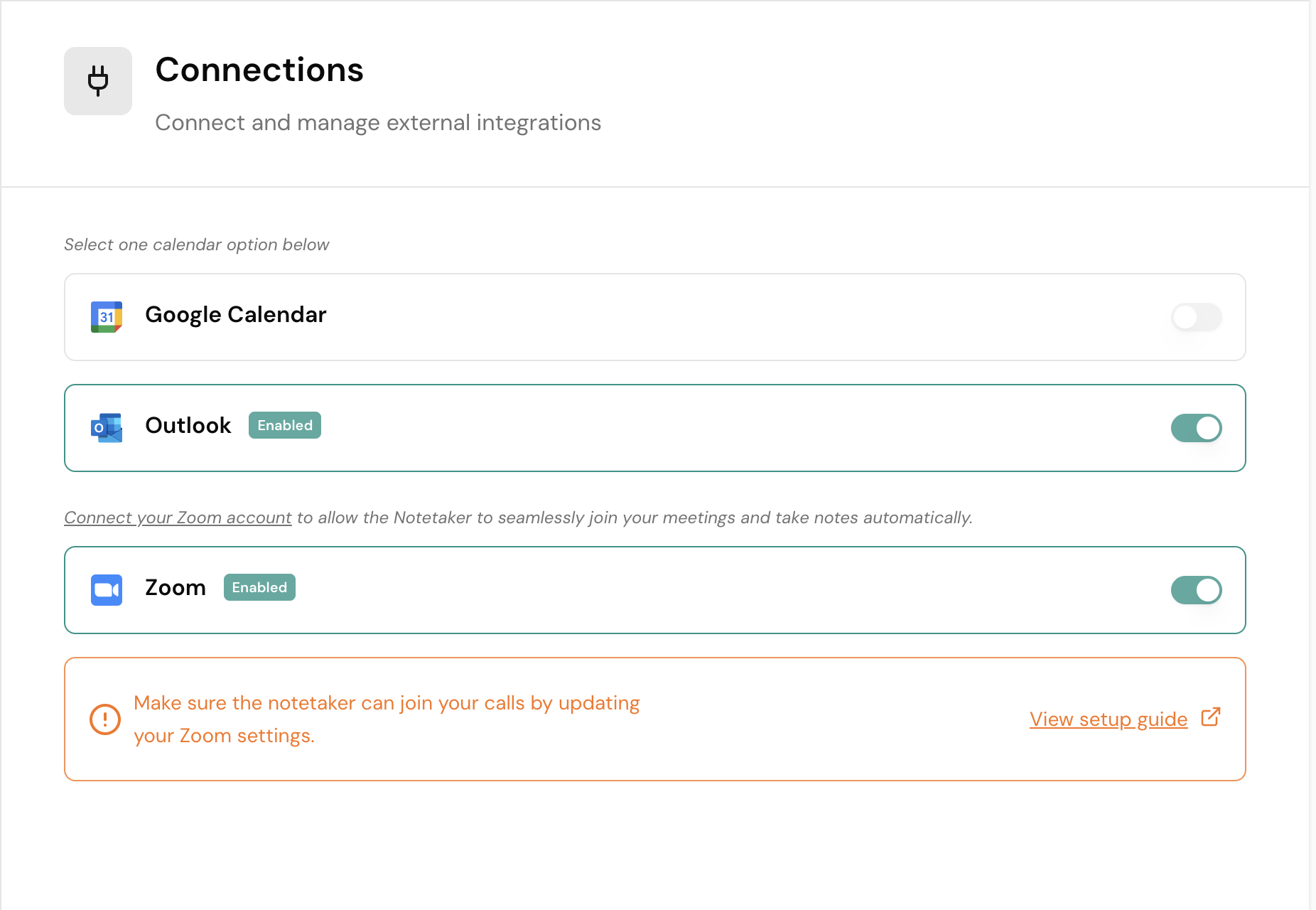
Microsoft Outlook Admin Approval
Connect your Outlook calendar to Gia — including steps for admin approval if required.
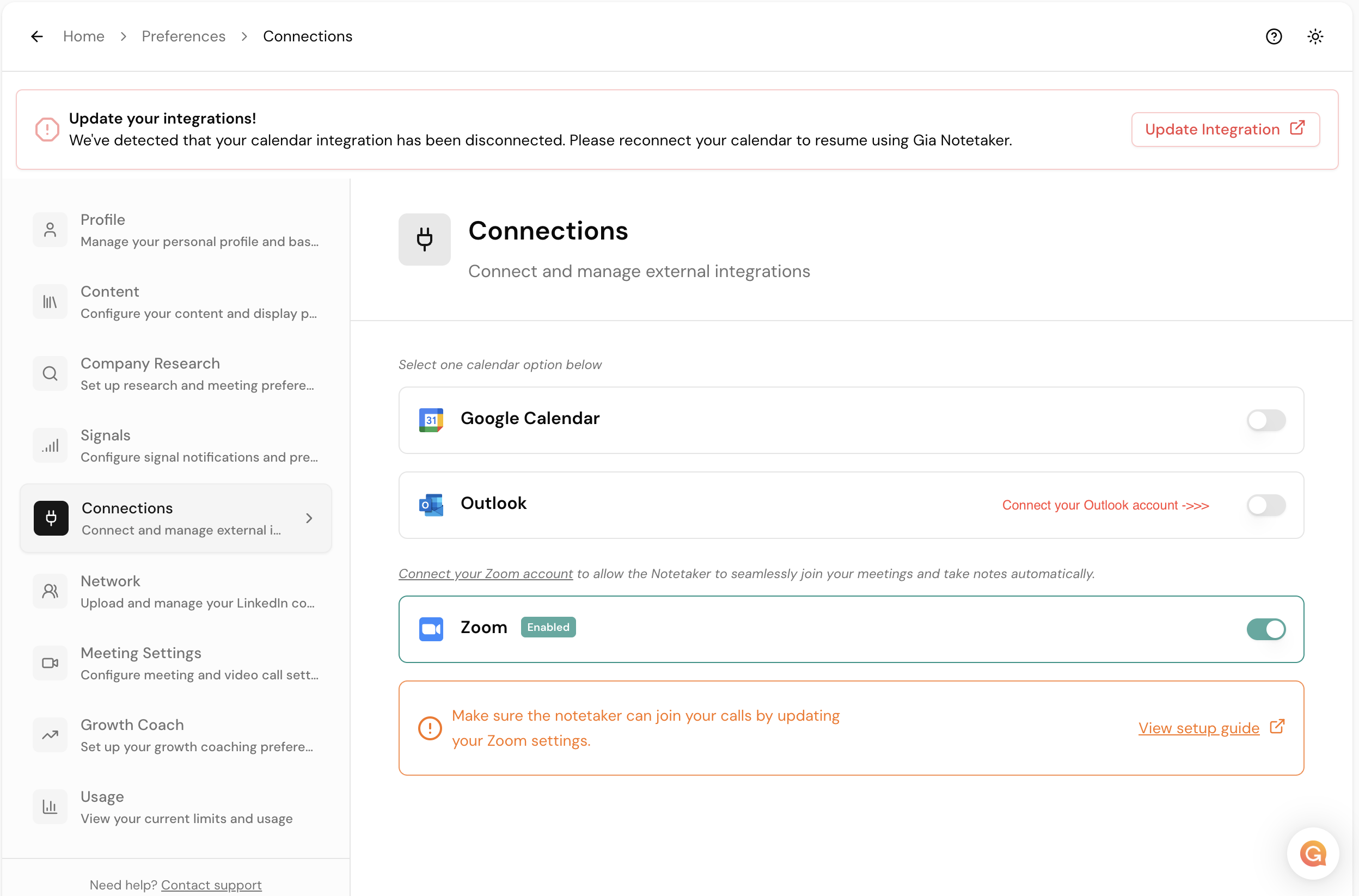
Setup1. Connect Outlook Account for Calendar Access
Click here to connect your Outlook Calendar on Gia: Gia Manage Connection Settings
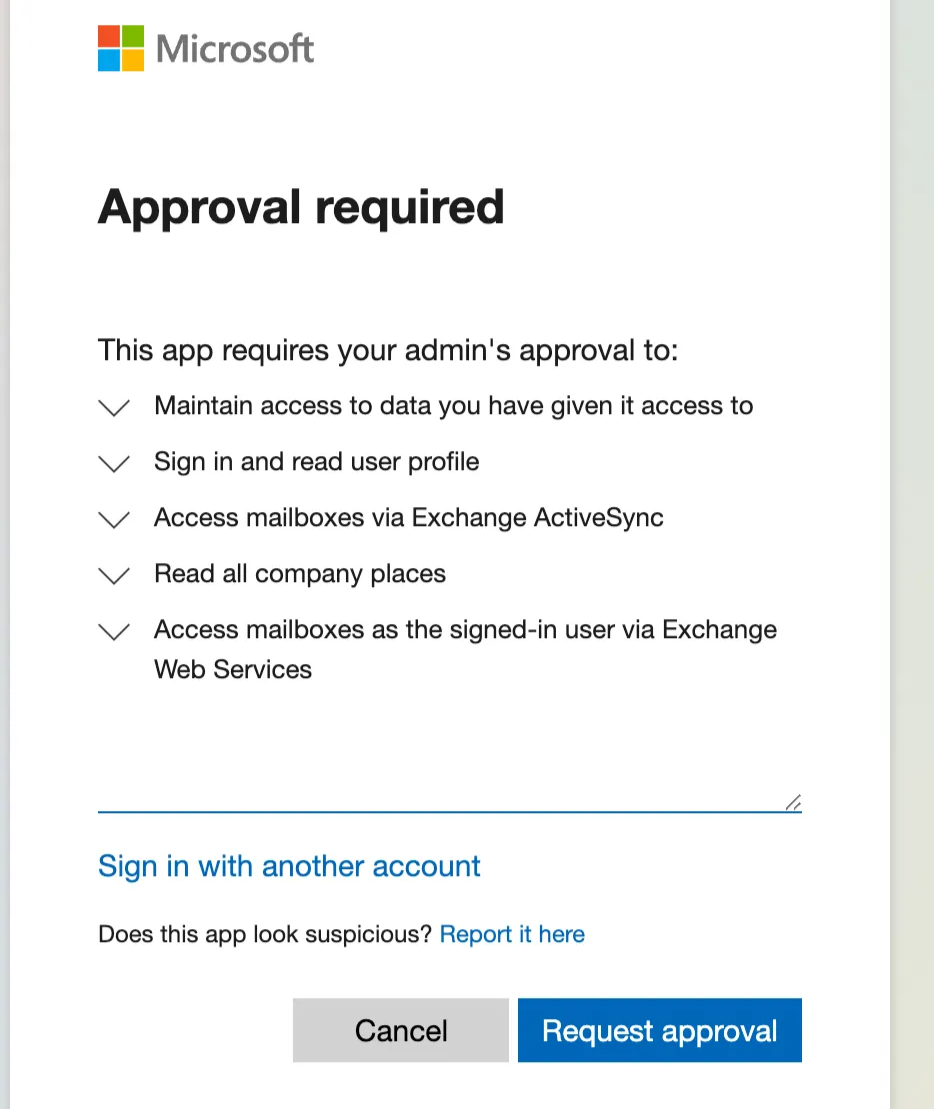
2. Submit Admin Approval Request
Add a message and submit the "Request approval" request.
3. Admin Approval Link
Open the following link or share it with your Admin to approve the application:
4. Complete the Connection
Once the Admin approves the request, go to Connections Management to connect the Outlook Calendar and finish the setup.