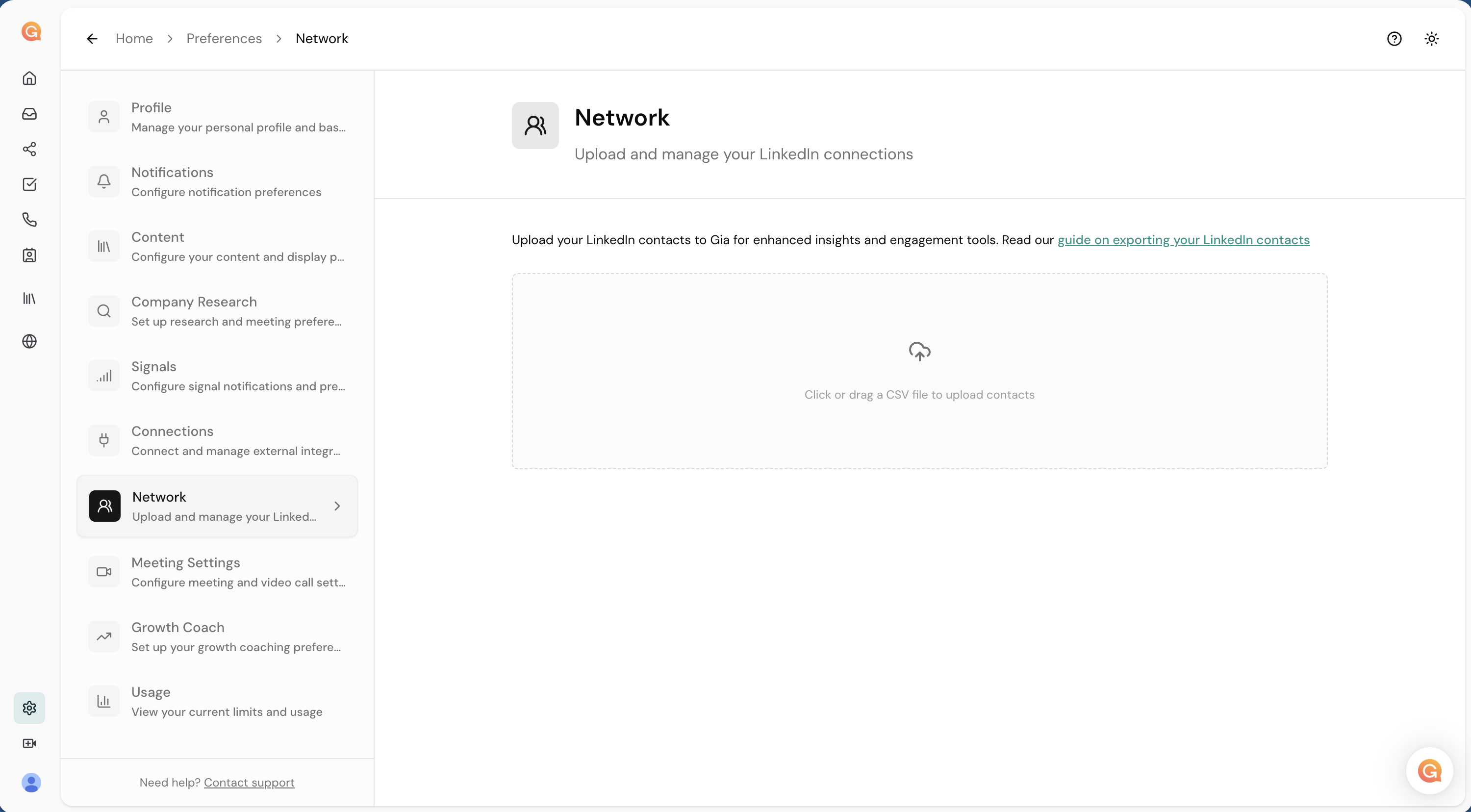
LinkedIn Connections Download Guide
Download your LinkedIn connections and upload them to Gia to seed your network.
Setup1. Request Your LinkedIn Data Export
- Login to your LinkedIn account
- Navigate to https://www.linkedin.com/mypreferences/d/download-my-data
- Request your archive
You can also review LinkedIn's official export guide.
2. Wait for the Email from LinkedIn
LinkedIn will send you an email when your export is ready.
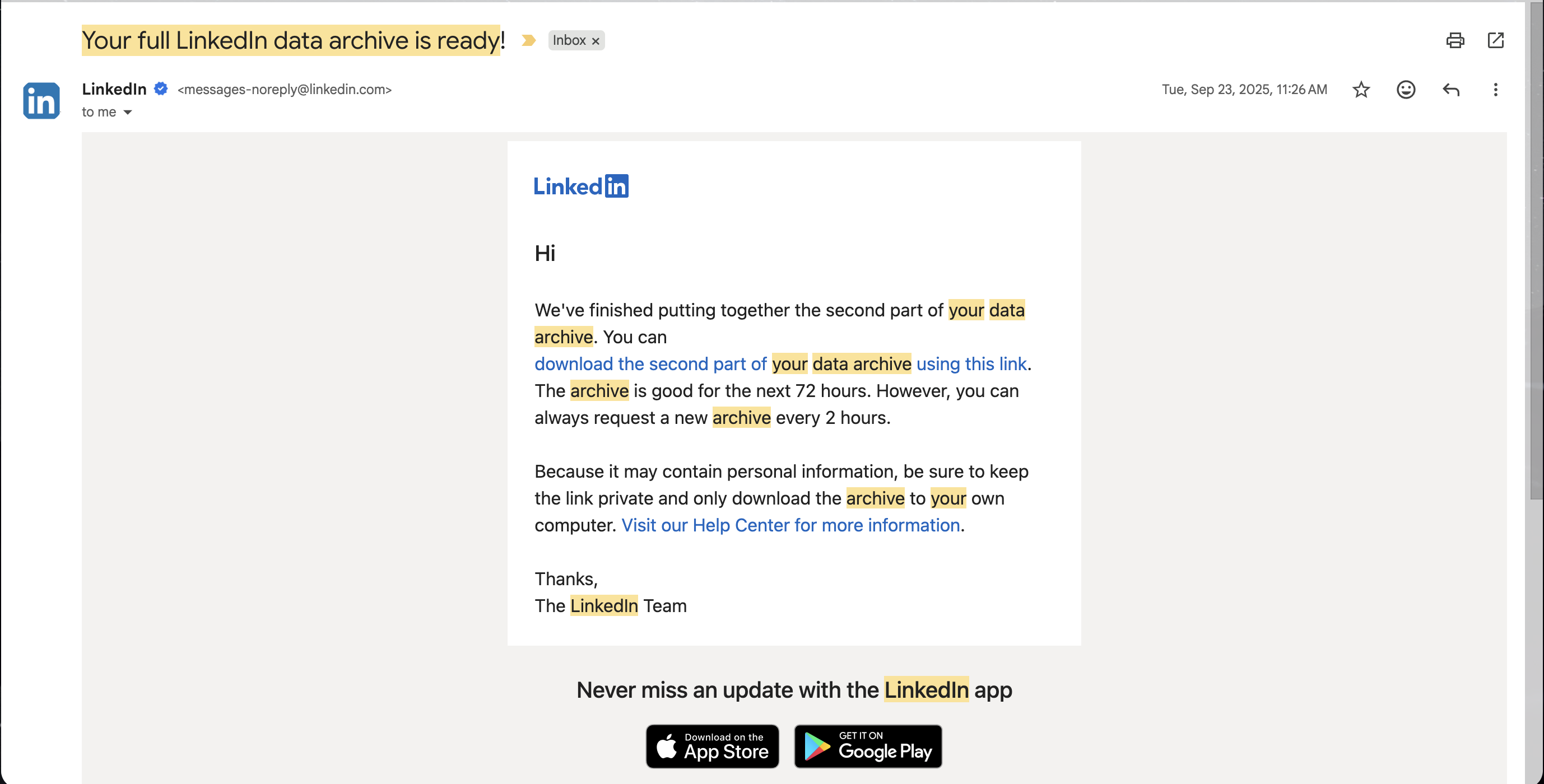
3. Download and Extract
The email will redirect you to the download page. Click Download archive.
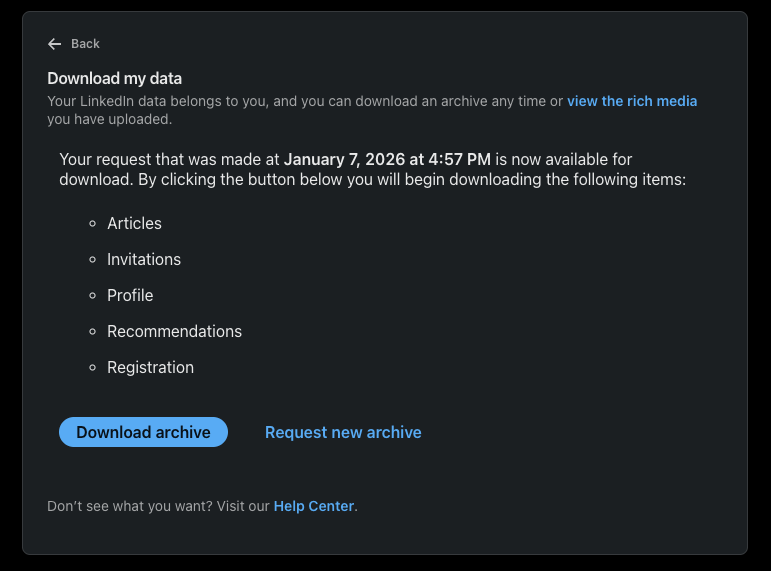
- Download the archive from the email link
- Extract the
.zipfile on your machine - Locate the
Connections.csvfile inside
4. Upload to Gia
Upload Connections.csv to https://platform.myagiea.com/account-settings/network