Send Personalized Email Outreach
Send targeted emails directly from Gia with one-click email enrichment and AI-drafted messages.
Business DevelopmentHow It Works
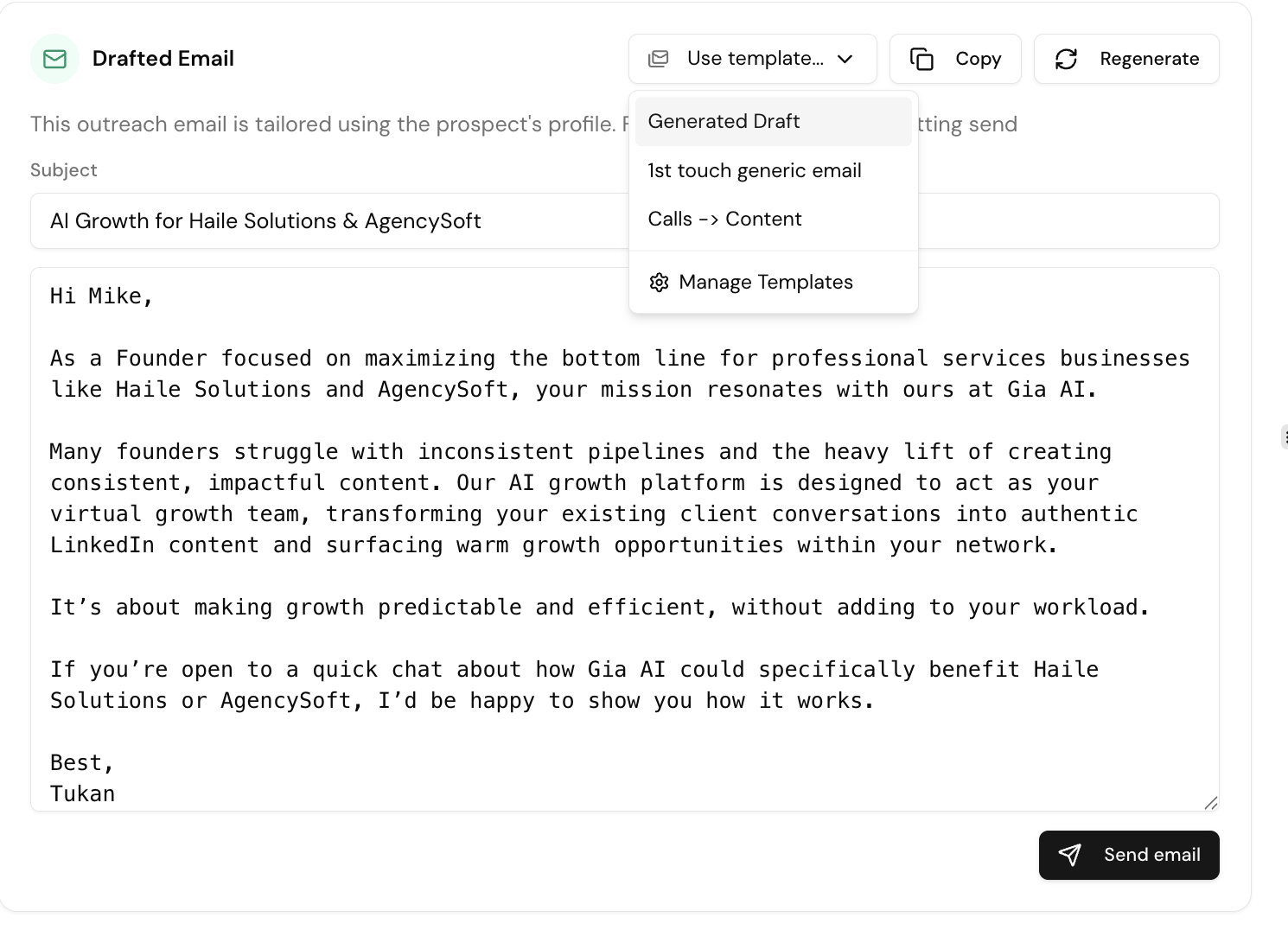
- Open a prospect from Growth Inbox or Signals
- Gia shows a pre-drafted personalized email based on the prospect's profile and signals
- Edit the email or swap in a saved template
- If the email isn't on file, click Fetch Email — Gia enriches it in real time
- Click Send — the contact is automatically added to Prospects
When to Edit vs. Use a Template
| Approach | Best For |
|---|---|
| Use the AI draft | When the generated email is specific and compelling |
| Swap in a template | When you have a proven message with a high response rate |
| Edit the draft | When the AI is close but needs your personal touch |
Tips
- Keep subject lines casual — they should feel like an internal email
- Lead with value before asking for anything
- Personalize with mutual connections when available