Push Contacts to Your CRM
Add contacts from Gia to HubSpot or Pipedrive with one click — auto-enriched.
CRMHow It Works
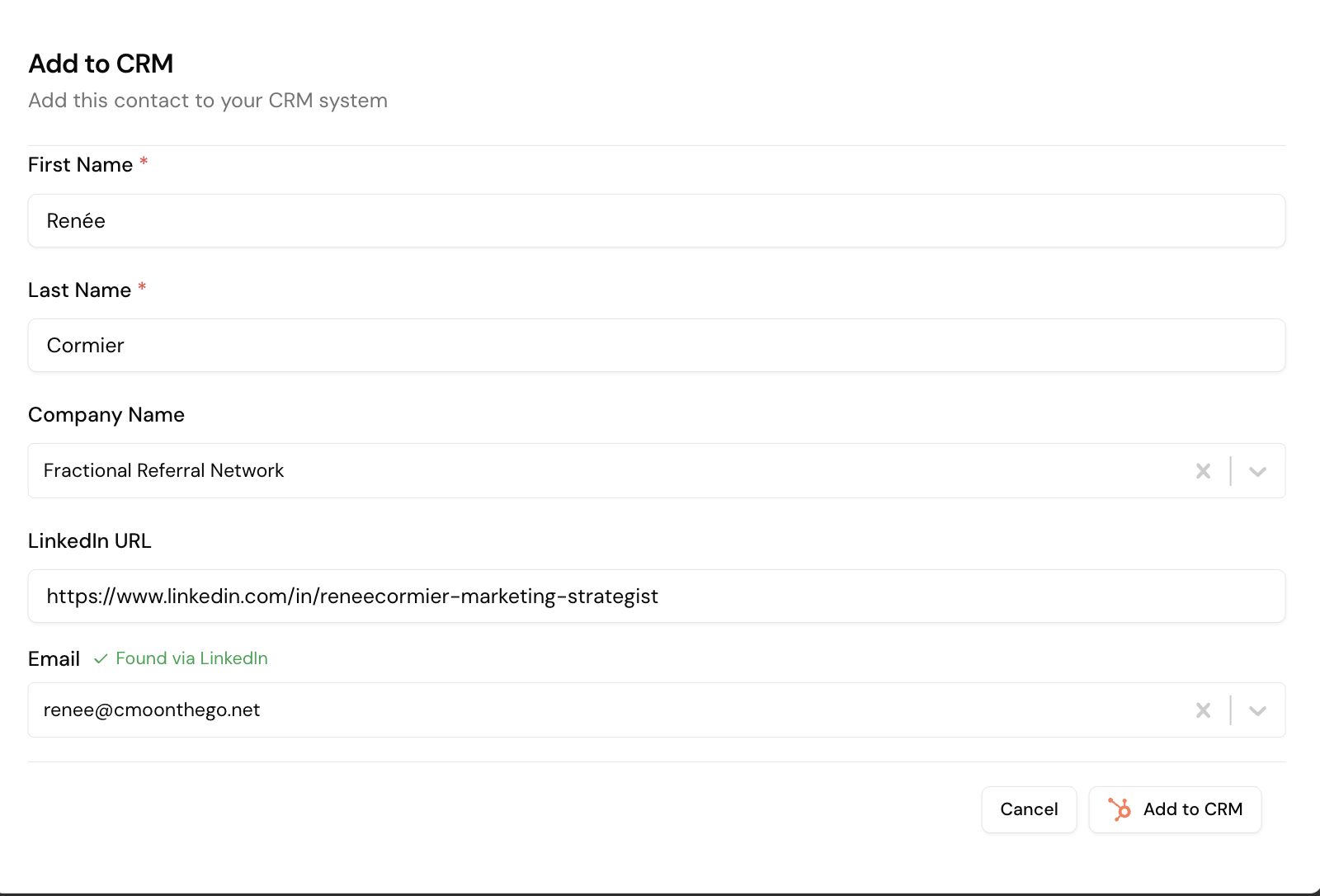
- Go to Audience → Signals and find the contact
- Click Add to CRM
- Gia pre-populates details — click to enrich email if missing
- Confirm and push
Finding Gia Contacts in HubSpot

Go to CRM → Contacts → Advanced Filters and add: Record Source Detail 1 → is equal to → GIA HubSpot.
Converting to Marketing Contacts
By default, pushed contacts are non-marketing (HubSpot charges per marketing contact). To enroll in sequences:
- Select the contacts to convert
- Click More → Set as Marketing Contacts
- Confirm — HubSpot adds them to your marketing tier